
The door and place
Keep the supplied location and context.
An unopened door. A memorable reveal.
Create the scene behind one unopened door, with an expectation, reveal, immediate reaction, vivid details, a believable explanation and three ways the party can respond.
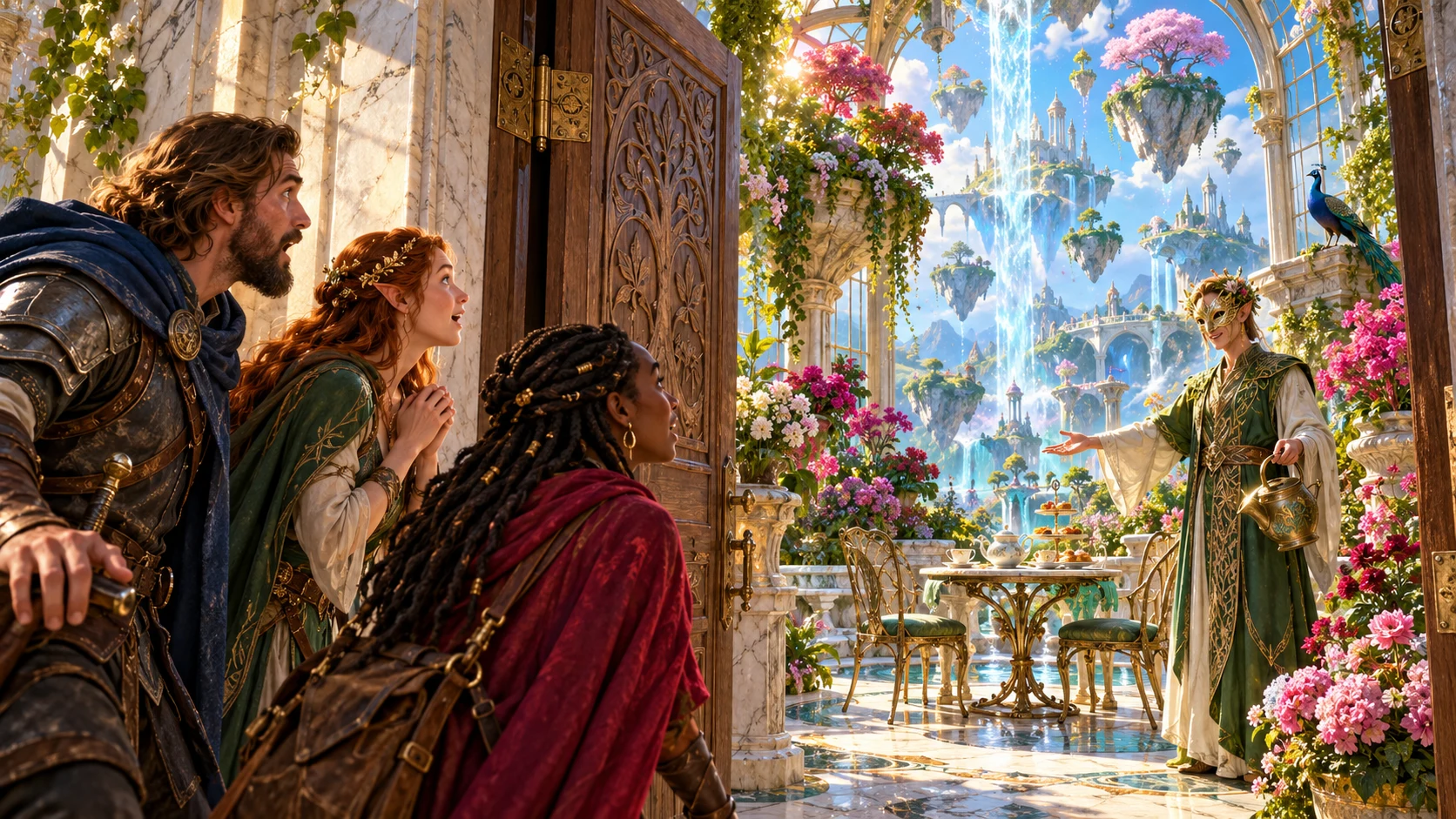
One unopened door and a complete scene
Put something worth discovering beyond the threshold.
Keep the supplied location and context.
Contrast imagined and actual discoveries.
Show the immediate response.
Let the party decide what happens next.
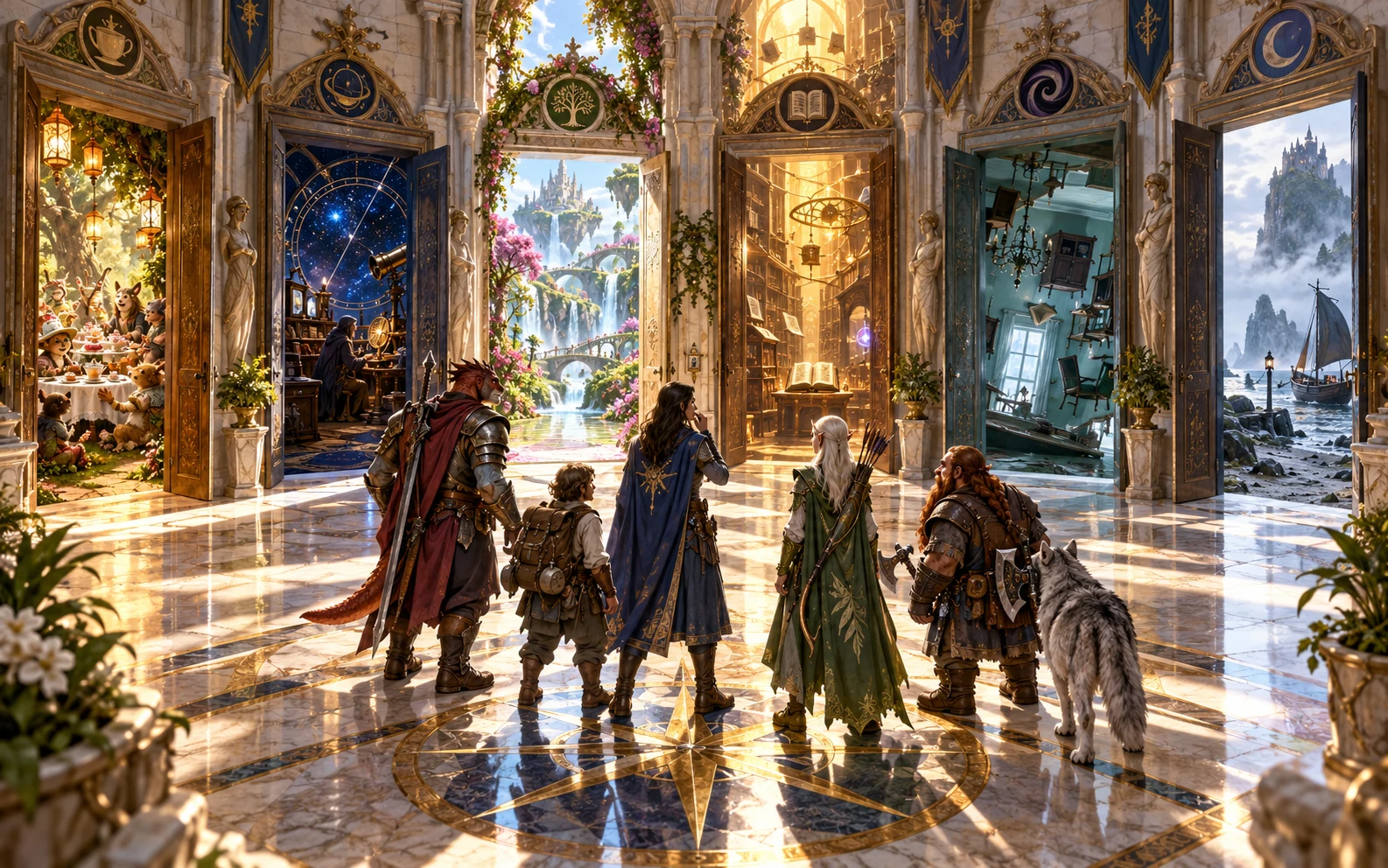
Begin with the unopened door
Describe the door and where it stands.
Choose its type, setting and how unusual the reveal should be.
In Deep, add discovery, reaction, expectations, exclusions and private context.
Build the scene beyond the threshold
Prepare a memorable answer to an unplanned door.
Choose type, place, context and unusualness.
People, situations, secrets or environments.
Give reaction and three vivid details.
Leave the next move with players.
Your door-scene workspace
Create varied discoveries beyond the threshold.
Plain, locked, grand, hidden, trapdoor or ancient.
Person, situation, secret, environment, strange event or creature.
Contrast what the party expects with the actual scene.
Choose the response waiting beyond the door.
Give the table useful things to describe.
Explain why this discovery belongs here.
Keep entry and reaction with the players.
Revise, save, reopen, copy, export JSON or print.
Quick start or Deep context
Make the scene belong behind this particular door.
Door, location, type, context and unusualness.
Choose what is waiting beyond it.
Welcoming, startled or another supported response.
Add expectations and things to avoid.
Retain the door-scene record
Keep the reveal and its explanation together.
Lock, change and edit individual sections.
Retain useful scene variations.
Keep expectations, details, choices and truth.
Copy, export JSON or print DM or player-safe reveals.
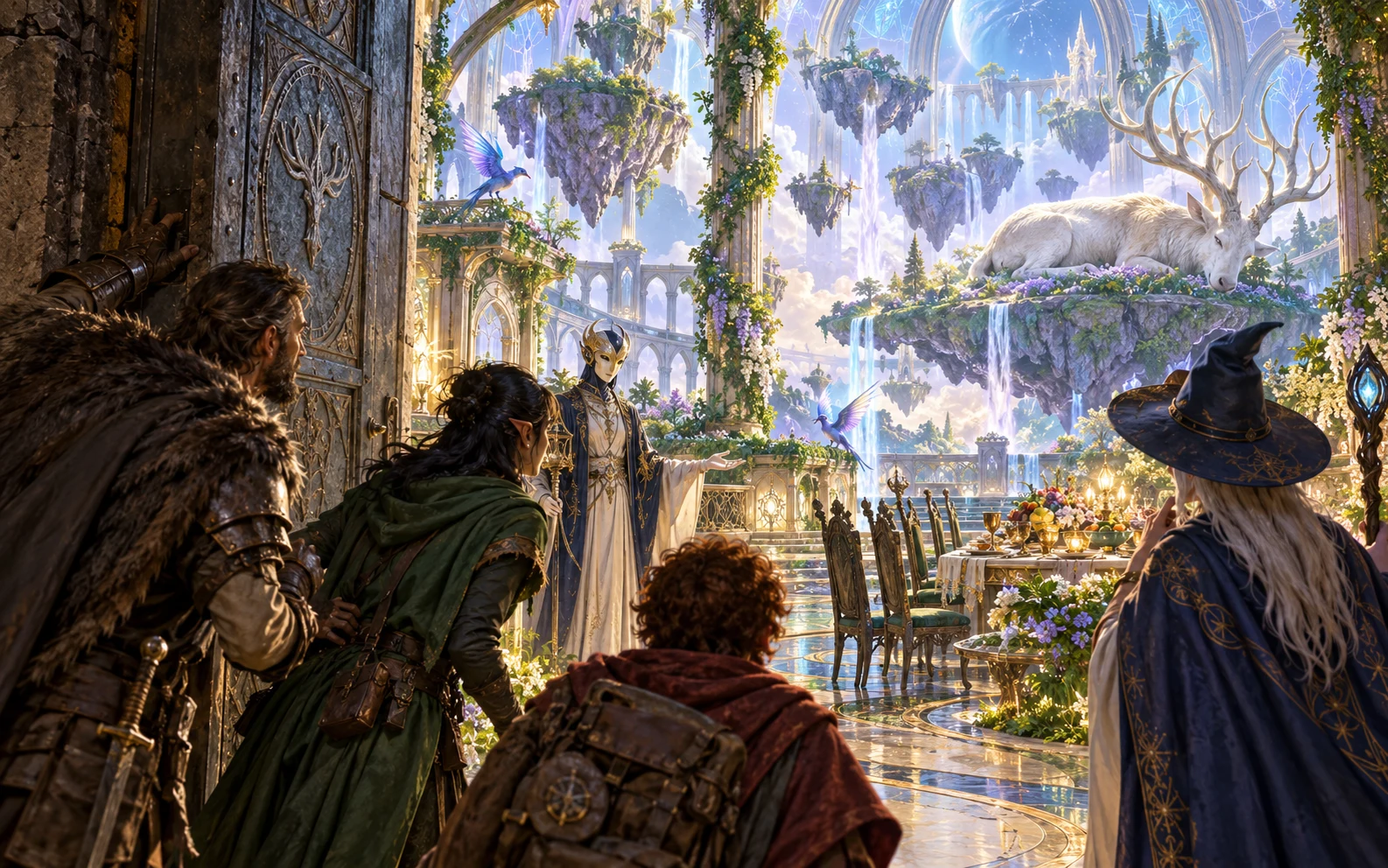
A reveal with practical ways forward
Show the actual reveal, first reaction and vivid details.
Keep a believable explanation and what may follow with the scene.
Copy, export JSON or print; keep hidden truth private.
The players choose the next move
A reveal never requires one response.
Enter, react or close the door.
Not a mishap while crossing a doorway.
Keep hidden truth with the Dungeon Master.
No combat changes or Combat Pro handoff.
Generator access and pricing
Choose access for this selected generator or an eligible pack.
Review current standalone access and pricing.
Check whether a current pack includes this generator.
Use your account to review premium product access.
Create a free VISINVOKE account; premium access remains separate.
VISINVOKE means value
Make the discovery fit its place and preserve player choices.

Offer more than another fight.
Explain why it belongs here.
Give three ways to respond.
Save versions and reopen intact.
Explore your VISINVOKE workspace
Each card opens its own product website. Review purpose and access separately; related products do not promise included access or automatic synchronisation.

Open your VISINVOKE desktop products.
Prepare a live exchange after an established social mistake.

Build the wider setting around your campaign.

Develop the places your party travels through.

Explore separate adventure environments.
Explore separate fantasy image creation.
Product artwork is illustrative, not application screens or actual generated image output.
Quick answers
Understand reveals, reactions, saved scenes and player choices.
Create the scene behind one unopened door, with an expectation, reveal, immediate reaction, vivid details, a believable explanation and three ways the party can respond.
Choose a plain, locked, grand, hidden, trapdoor or ancient door. Fill the space beyond it with a person, situation, secret, environment, strange event or creature; every surprise does not need to become a fight.
The door and location, party expectation, actual reveal, first reaction, people and creatures present, three details, a believable explanation, what makes it unusual, three ways to respond, likely outcome and hidden truth.
Quick uses the door, location, type, surrounding context and how unusual the reveal should be. Deep chooses the reveal kind and a startled, welcoming, unwelcoming, embarrassed or indifferent reaction, then adds expectations, things to avoid and private context.
Lock, change and edit individual sections; save versions and reopen location, expectation, reveal, reaction, details, explanation, choices, likely outcome and private truth intact. Copy, export JSON or print a full Dungeon Master dossier or player-safe reveal. Explanation, hidden truth and private context stay with the Dungeon Master.
No. Players choose whether to enter, speak, investigate, retreat or close the door. It does not start or change combat and sends nothing to Combat Pro. Open it from Generators in Desktop Command Centre and review current account access.
Continue in VISINVOKE
Create a free VISINVOKE account and review current generator access.
Use your account installer page for Desktop Command Centre.
Open What's Behind the Door? Generator from the Generators collection.